

Skip to content
MirrorTry a hairstyle, makeup, nails or a tattoo, or a free skin care preview.Try it without an account

A schedule for the month.

An XLSX file for teams of up to 8 people, set up to print on A4 landscape. You enter the hours and the totals add up by themselves. No email, no account.

The file is free.

Who this template is for

For anyone who runs a hair salon, beauty salon, nail studio or barbershop and plans the rota in a notebook or on a scrap of paper. For a team of 2 to 8 people who need just one sheet a month. Also for anyone who wants to add up staff hours quickly and check how many days of leave they are owed.

How much leave is owed: Article 154 of the Polish Labour Code

The second sheet, Leave, works out the annual entitlement. You enter years of service and the share of a full-time job, and the result appears in the green cell.

  • 20 days a year when service is under 10 years (Art. 154 § 1).
  • 26 days a year when service is 10 years or more (Art. 154 § 1).
  • For part-time work the entitlement is proportional, and a part day is rounded up (Art. 154 § 2).

Years of education also count towards service. Which years of education count is set out in Art. 155.

This is general information, not legal advice. The sheet does not work out leave in the first year of work or additional leave. For those cases, check the regulations or ask your accountant.

What the sheet does not do

It adds up the hours you enter. It does not calculate overtime or the working time norm. Check those against the regulations and the contracts in your salon.

More than 8 people

Insert a new row between the staff rows and copy the formulas into it from the row next to it. The totals will include the new row. The leave calculator has eight rows, so for extra people use the calculator at the top of the sheet.

When the schedule changes often

The sheet is enough when the schedule rarely changes. When the team grows or staff swap days, it is easier to keep the schedule where the appointment calendar is. In Asystio staff submit leave requests and you approve them. See schedule and leave.
  1. Set the month

    In cell B2, enter the first day of the month, for example 01.12.2026. The weekdays appear by themselves and weekends turn grey.

  2. Add your team

    Enter staff names in the first column. There is room for 8 people.

  3. Enter the hours

    In the yellow cells, enter the hours for each day, for example 8 or 6.5. An empty cell is a day off. Mark leave with the letter U.

  4. Read the totals and print

    Total hours, Working days and Leave days add up by themselves. The row Total hours per day shows how the team is covered. The sheet prints on A4 landscape.

Examples of leave entitlement

Examples of annual leave entitlement
Length of serviceShare of full timeLeave per year
5 yearsfull time20 days
10 yearsfull time26 days
10 years1/2 time13 days
10 years3/4 time20 days
12 years1/2 time13 days
5 years3/5 time12 days

General information, not legal advice.

When the rota changes more than once a month

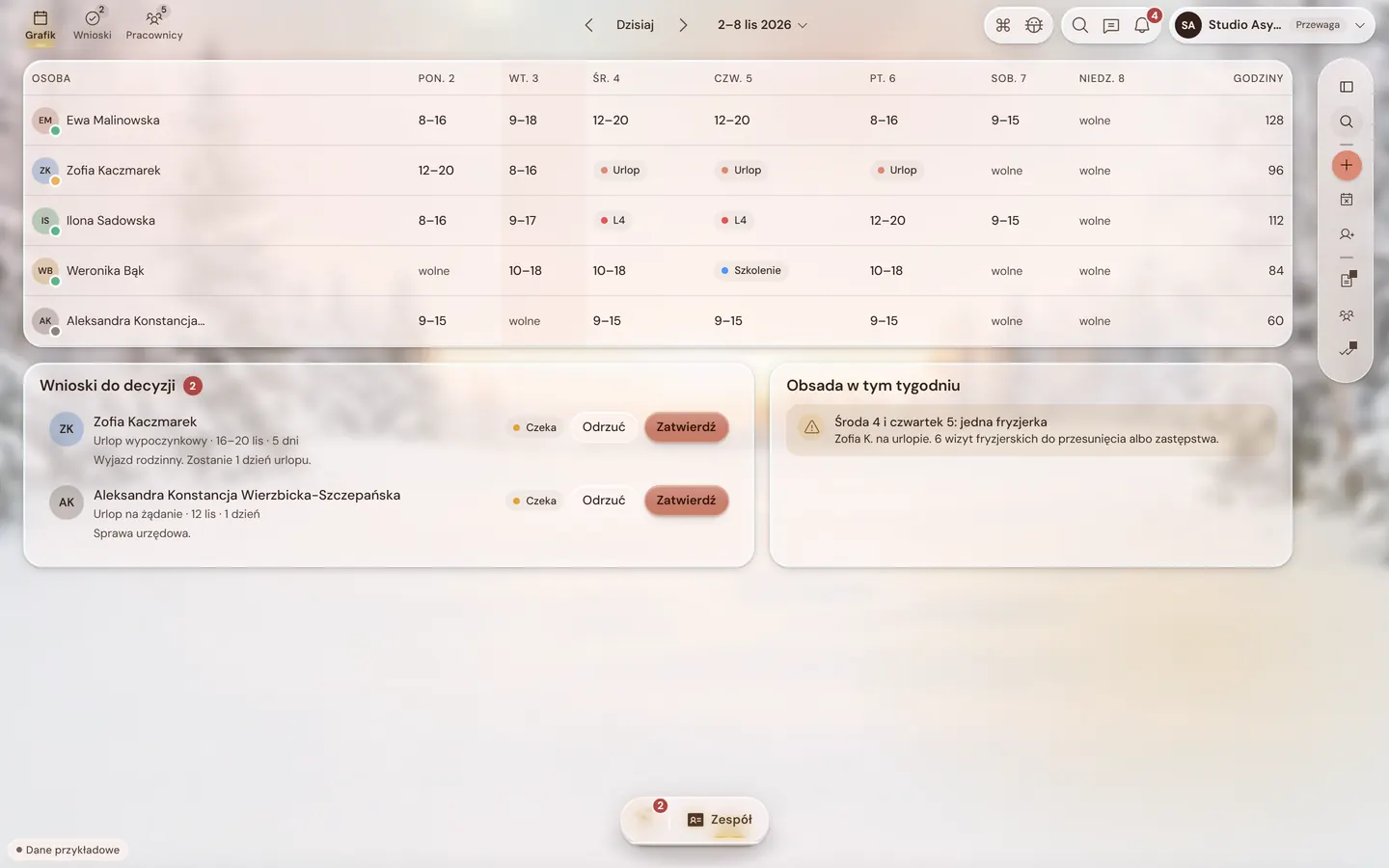
A spreadsheet works for printing and adding hours. In Asystio the rota ties into your booking calendar, and you approve leave requests with one click.

  • staff availability respected during online booking
  • leave requests and shift swaps in one view
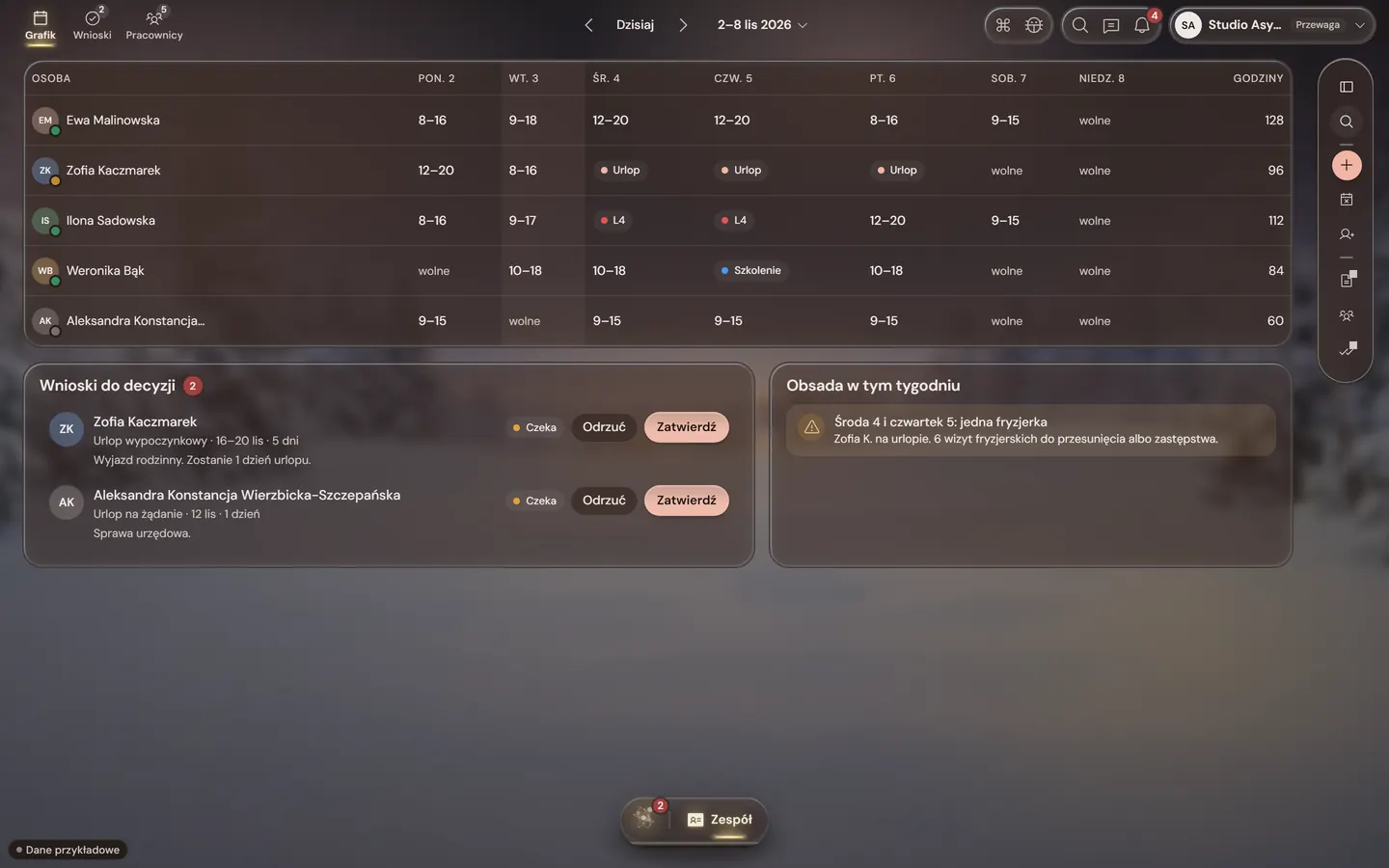
Team work schedule and leave view in Asystio on sample data, Polish interfaceTeam work schedule and leave view in Asystio on sample data, Polish interface
Team schedule in Asystio linked with the booking calendar
Is the template free, and do I need to give an email?

The template is free. You download the file with one click, with no email and no account.

Does the sheet calculate overtime and the working time norm?

No. The sheet adds up the hours you enter. Check the working time norm, days off, daily rest and overtime against the regulations and the contracts in your salon.

How many days of leave is an employee owed?

Under Art. 154 § 1 of the Labour Code, 20 days when service is under 10 years and 26 days when it is 10 years or more. For part-time work it is proportional, and a part day is rounded up. Example: 12 years of service and half time gives 13 days.

What if I have more than 8 people?

Insert a new row between the staff rows and copy the formulas into it from the row next to it. The totals will include the new row. For extra people in the leave calculator, use the calculator at the top of the sheet.

A schedule where the bookings are.

Try Asystio for 14 days for PLN 9.99.

Try 14 days for PLN 9.99

If it is not for you, write to us. We will refund PLN 9.99.