Skip to content
MirrorTry a hairstyle, makeup, nails or a tattoo, or a free skin care preview.Try it without an account

KSeF without the stress.

Before your first e-invoice, sort out four things: permissions, login, access for the system and a test. Asystio prepares the e-invoice, you approve it.

No card saved and no automatic renewal.

What Asystio does and what you do

Asystio prepares the invoice in the required XML format. You check it and approve it. You approve the sending: Asystio does not send without your consent. Asystio does not replace an accountant and does not give tax advice. Confirm the rules for your business with your accountant.

What KSeF is

KSeF is the Polish national e-invoice system. It is a government platform for issuing, storing and sharing invoices in XML format. Every invoice gets a unique KSeF number. The buyer can download it at any time. No more lost e-mails, or scans in a folder called "To sort out".

How it works in practice

  1. You issue the invoice in Asystio. You see an ordinary invoice.
  2. Asystio prepares it in XML format, and you approve the sending.
  3. KSeF assigns a reference number.
  4. The invoice is available to the seller and the buyer.

Who may act in KSeF

Access is set up by the taxpayer or an authorised person: the owner, a board member, a person named in the ZAW-FA form, or an accounting office with the right permissions. In KSeF you work in the context of a specific tax number (NIP). That person must have the right to issue, receive or manage access.

Token or certificate

In 2026 a token can be used by commercial application integrations. The long-term method of authentication is KSeF certificates. According to KSeF information, from 1 January 2027 only certificates remain. Check the current dates in the official sources of the Ministry of Finance.

How to get access

Start by confirming your identity and permissions in KSeF. Only then generate a token or apply for a KSeF certificate for the integration. It touches organisation, technology and security all at once.

How to protect access

Treat a token or certificate like bank details. Do not send them by e-mail or messenger. Grant only the permissions that the system and the team really need.

KSeF calendar: key dates

  • 1 February 2026: KSeF 2.0 is the binding system for large businesses and for receiving invoices.
  • 1 April 2026: the obligation covers the remaining businesses, except the smallest ones that use the deferral.
  • 1 January 2027: the smallest businesses join, those whose monthly invoiced sales do not exceed 10 thousand zloty.

Sources checked on 24 May 2026. Before you start, confirm the scope with your accountant or tax adviser.

What you see in Asystio

  • An invoice after a visit, after a sale or at the end of the month, with no retyping.
  • An invoice prepared for the format and checks required by the Ministry of Finance.
  • A check of the client's details, the amounts and the service description before you approve.
  • Correction invoices and advance invoices.
  • Invoices in one place with your finances. Check the archiving rules with your accountant.
  1. Decide who has permissions

    Name the person who may act in KSeF on behalf of the business, and for which tax number (NIP).

  2. Log in to the Taxpayer Application

    Authenticate with a Trusted Profile, a qualified signature or a qualified electronic seal.

  3. Set up access and store it safely

    Choose a token or a KSeF certificate. Limit the permissions to what is needed.

  4. Test the whole flow

    Check the contractor's details, issuing, sending, the KSeF number, the UPO confirmation, a correction and your accountant's access.

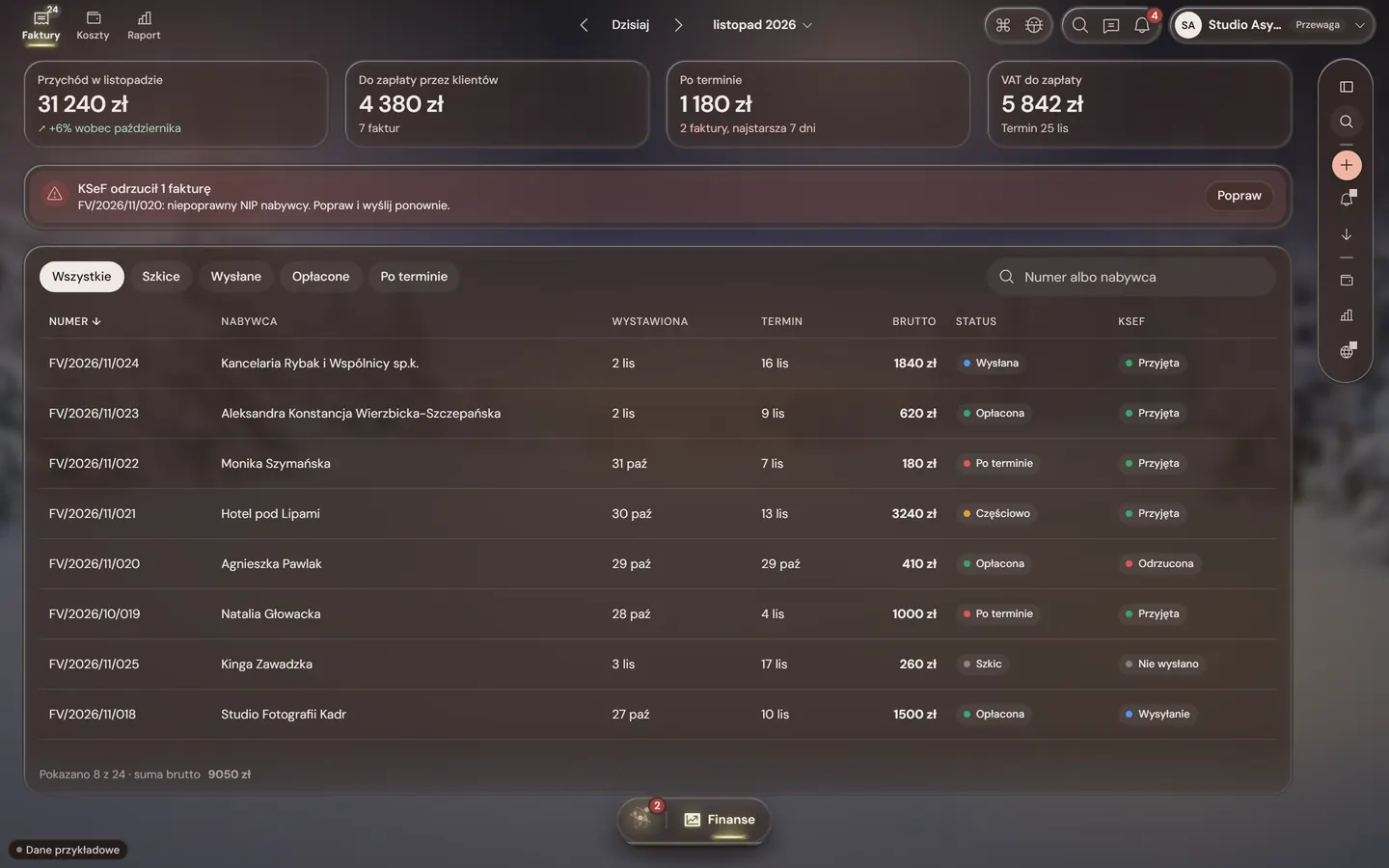
When an invoice leaves a client card for KSeF

You raise an ordinary invoice after an appointment or sale, and Asystio builds the XML file. You approve sending to KSeF before the reference number is issued.

  • buyer details and NIP come from the client card
  • correction and advance invoices stay in one finance view
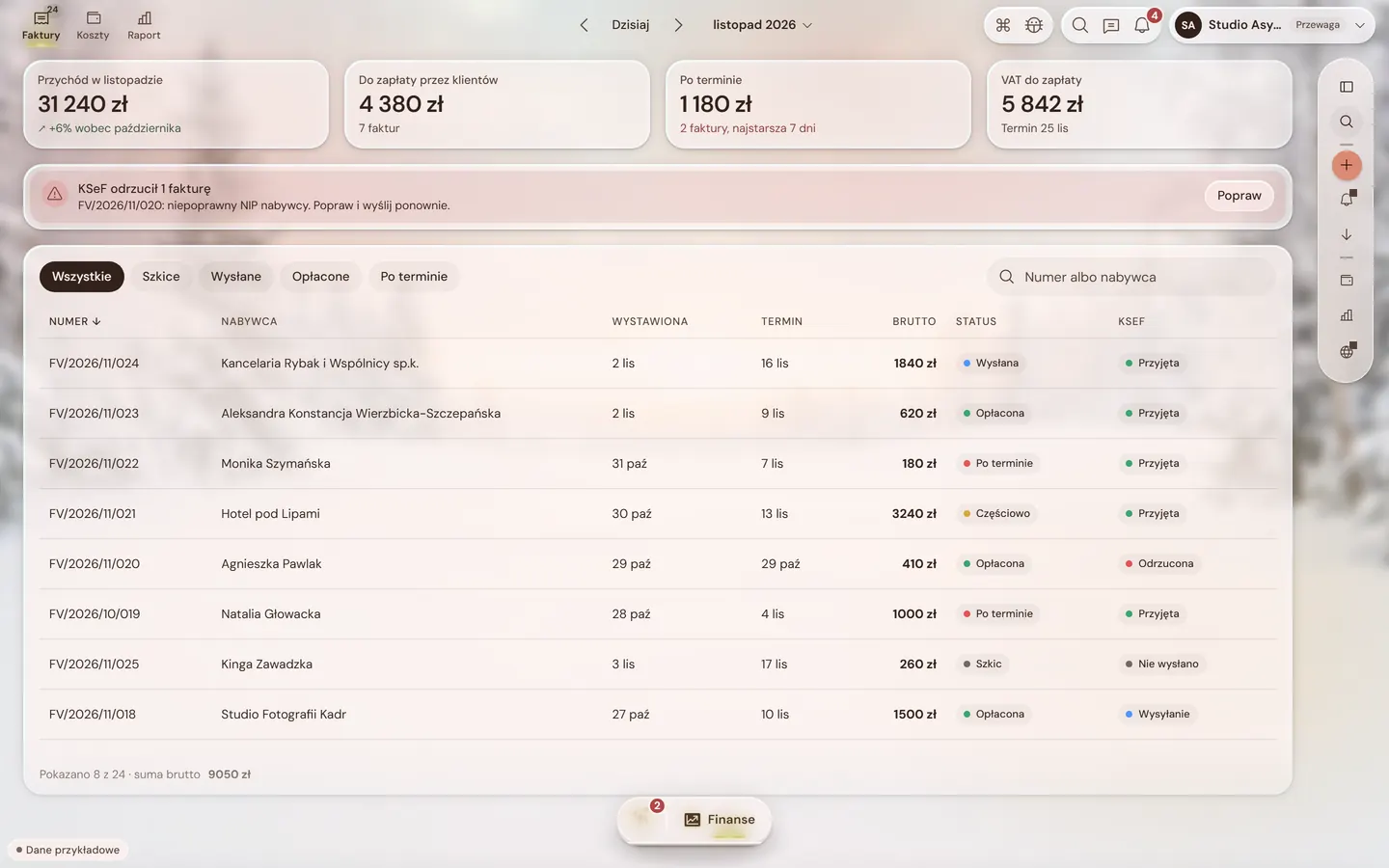
The Finance and invoices view in Asystio on sample data, Polish interfaceThe Finance and invoices view in Asystio on sample data, Polish interface
Invoices, statuses and settlements in one module

Checklist before KSeF

Go through it before you issue your first invoice.

  • Tax number and company details

    Correct in Asystio before you issue the first invoice.

  • Digital issuing

    Invoices are created in the system, not in a file or on paper.

  • XML format

    An invoice prepared in the format required by the Ministry of Finance.

  • Token or certificate

    Access for authentication in KSeF, stored safely.

  • The team knows the process

    Everyone knows who prepares the invoice and who approves it.

Is KSeF hard for a small service business?

Start with four things: permissions, login, access for the system and a test. Asystio prepares the invoice in the required XML format, and you approve it.

What should I check in a KSeF test?

Issuing, sending, the KSeF number, the UPO confirmation, a correction and your accountant's access.

Do I need a token or a certificate for KSeF?

In 2026 a token can be used for integrations, but after the transition period the long-term method of authentication is KSeF certificates. Check the current dates in the official sources.

Who should generate KSeF access for the business?

The taxpayer or an authorised person: the owner, a board member, a person named in the ZAW-FA form, or an accounting office with the right permissions.

Does Asystio send invoices to KSeF without my consent?

No. Asystio prepares the invoice in the required XML format, and you approve the sending.

Invoices ready for your approval.

Test invoice preparation on your own data.

Try 14 days for PLN 9.99

If it is not for you, write to us. We will refund PLN 9.99.