

Start the day on Dashboard.
Each morning you see today's visits, messages to answer and items to approve. Your team knows where to begin.
No card saved and no automatic renewal.
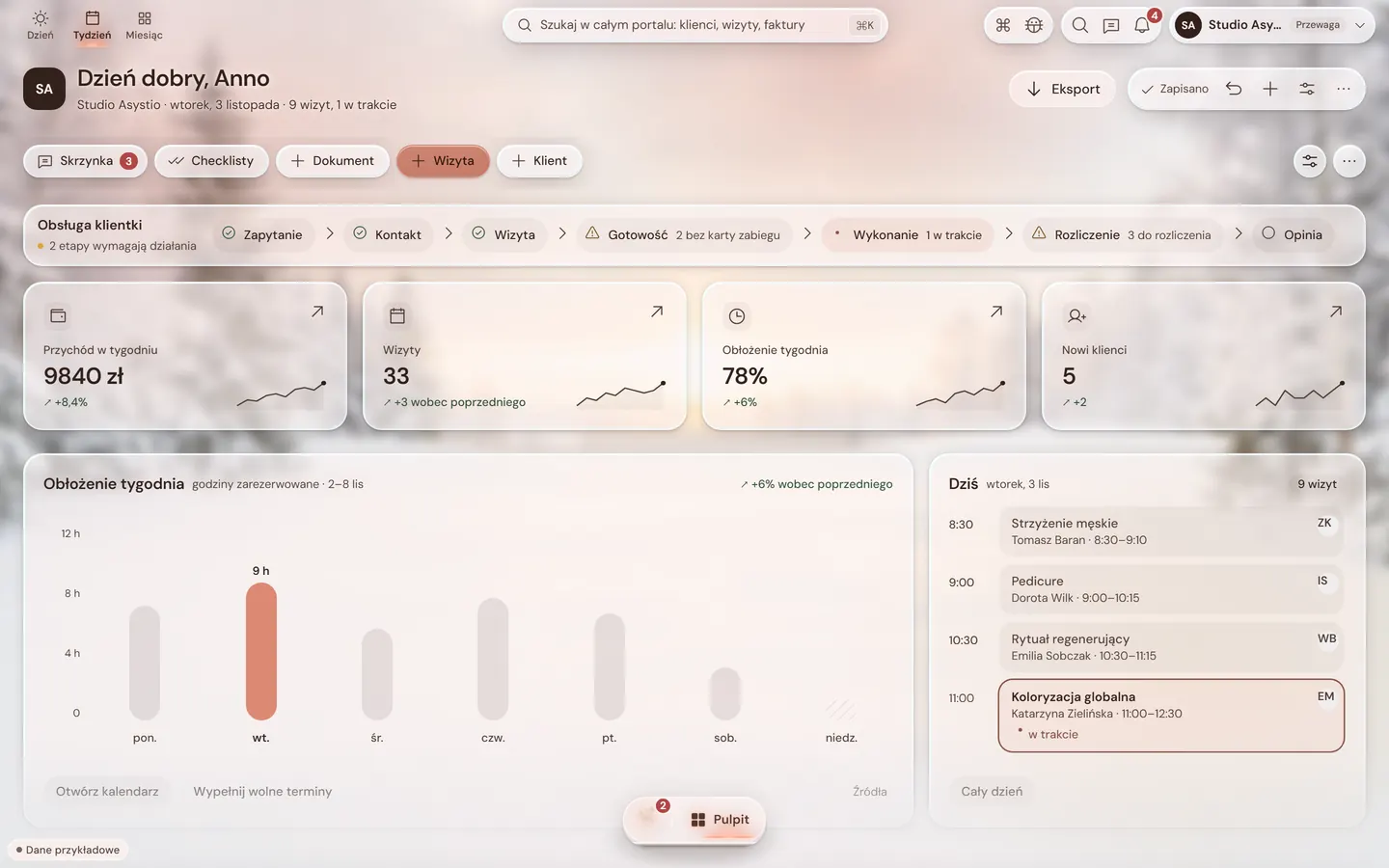
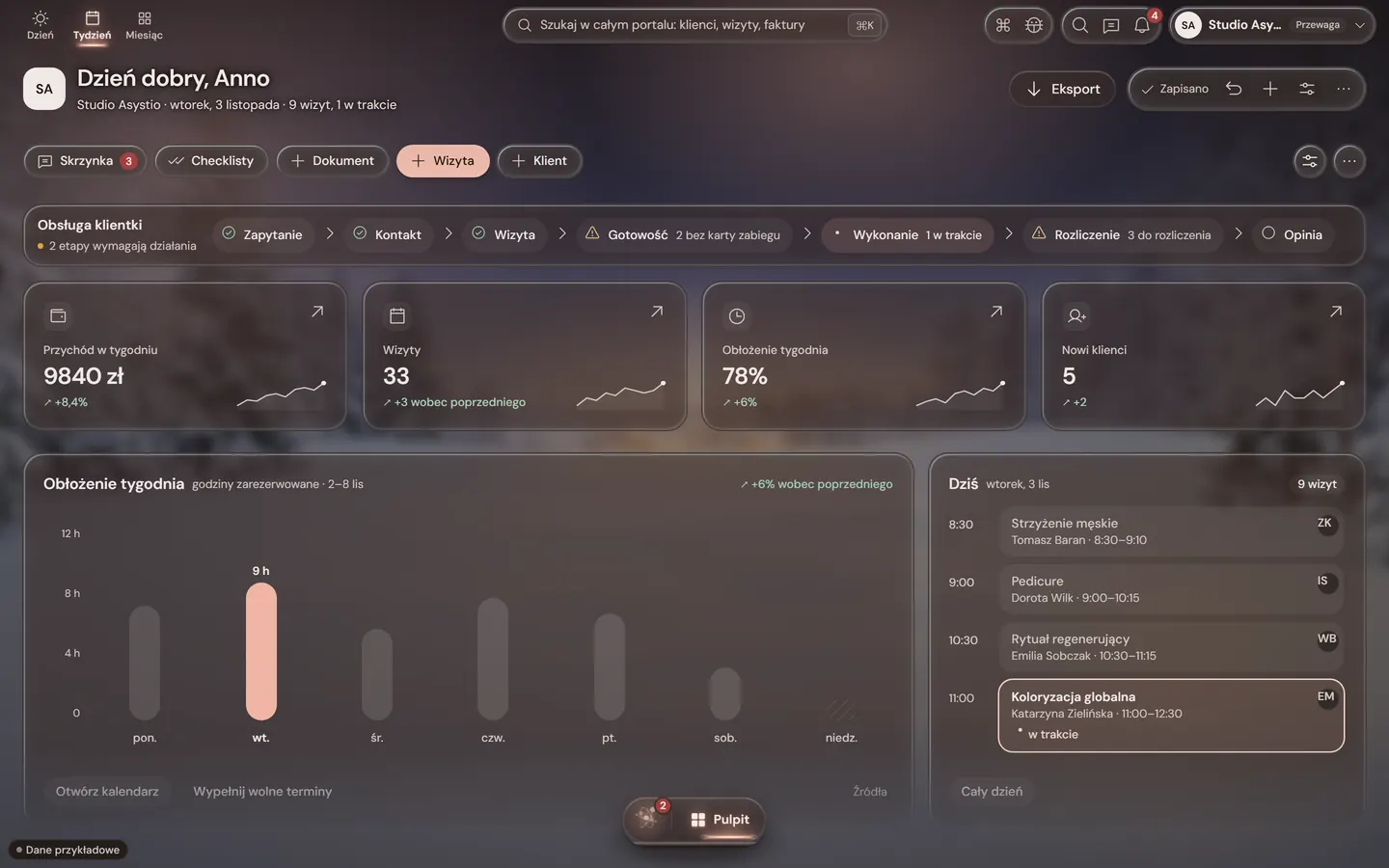
Open the Dashboard in the morning
At once you see today's visits, messages and items waiting for approval.
Match a layout to each role
Reception and the owner start their day with different tiles and shortcuts.
Jump to a task in one click
A tile opens the calendar, the message inbox or the client card.
Roll back changes in history
If a new layout does not work out, return to a saved version.
A layout built for your business, not five windows at start
Stop opening several tabs every morning just to see what needs doing today.
Your own tiles and shortcuts
You pick the tiles, shortcuts, logo, wallpaper and view density for the company.
A different view for each role
Reception sees bookings and conversations, while the owner sees pending approvals.
Back to the old layout
If a change goes wrong, you return to the saved configuration history.
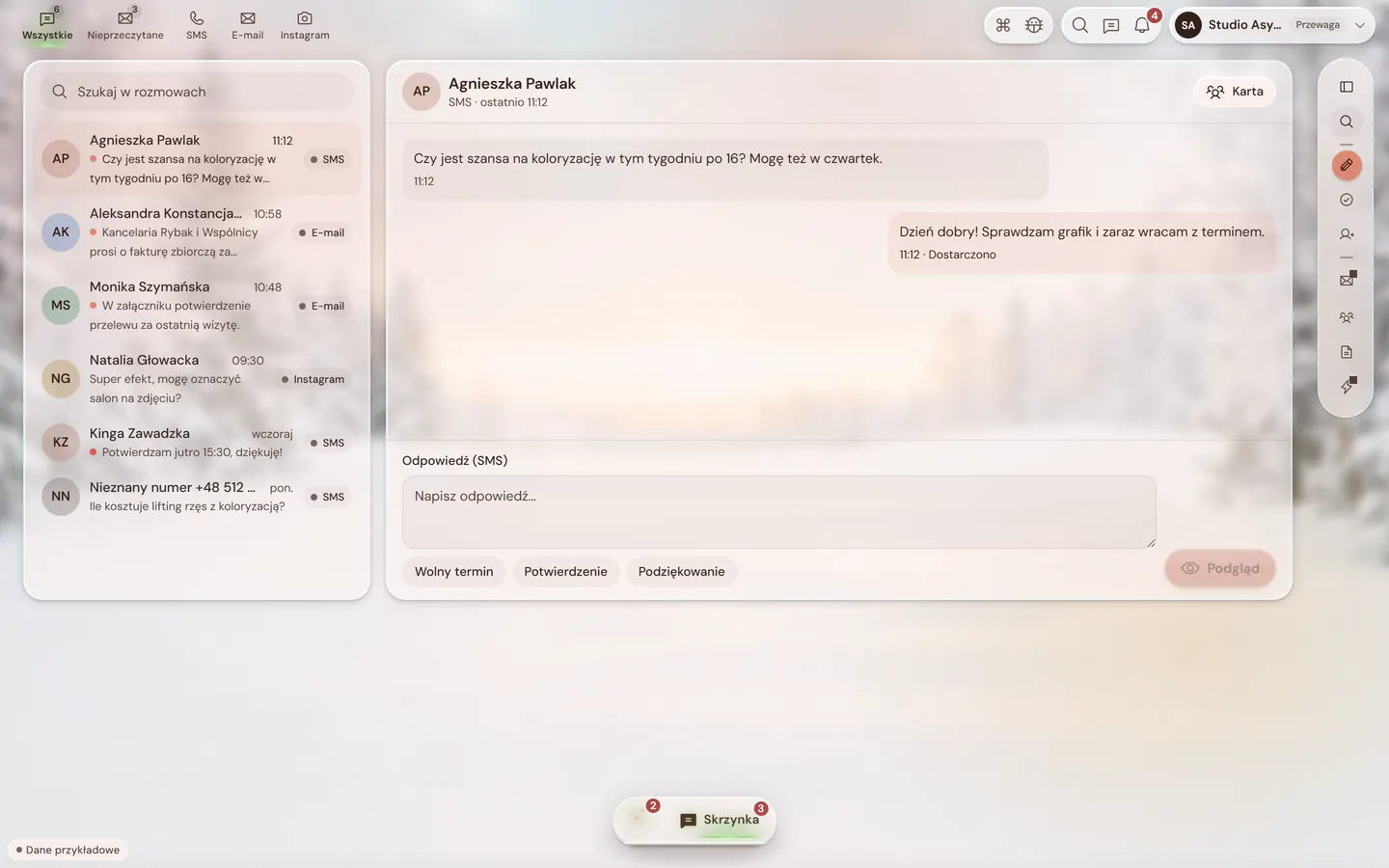
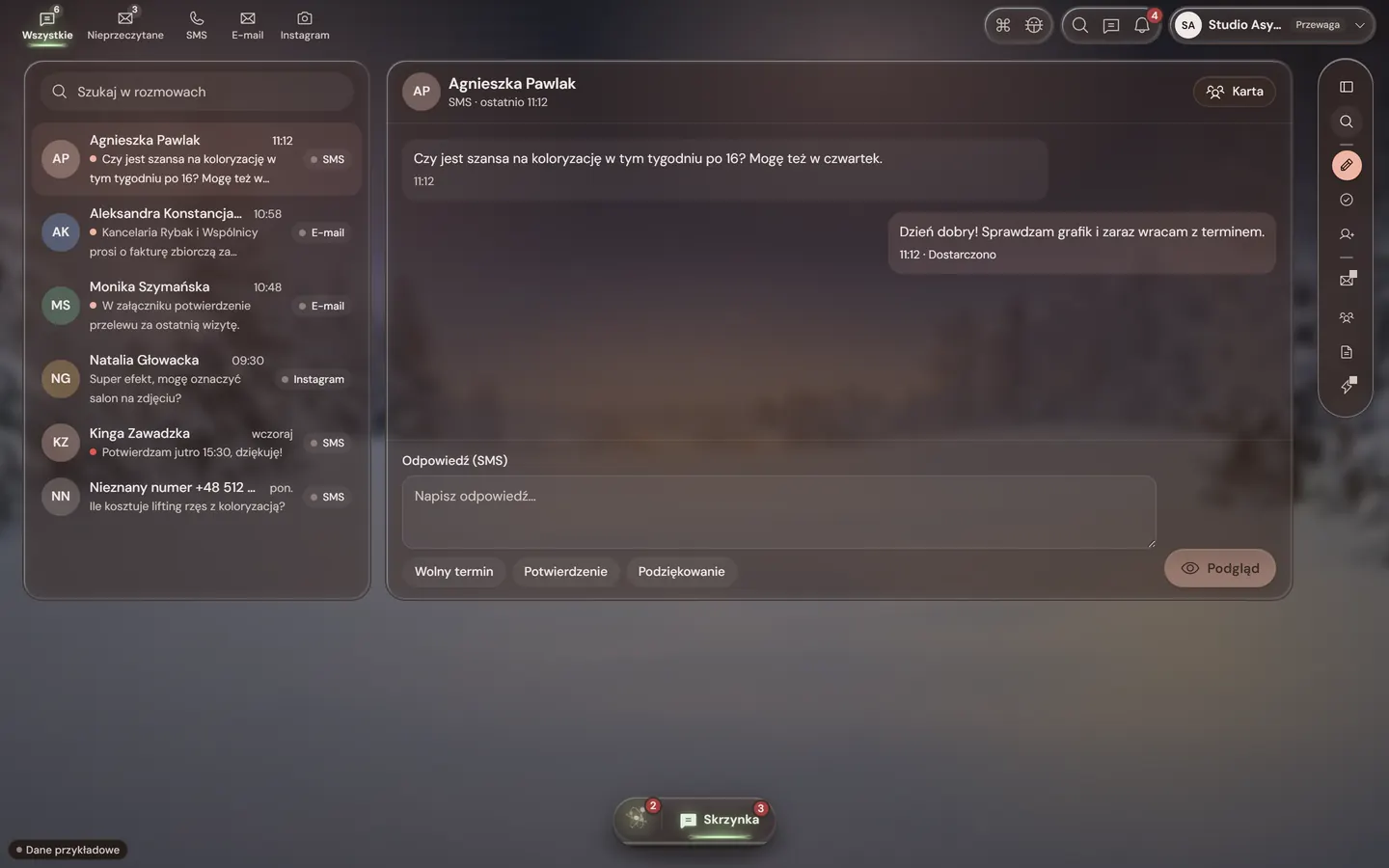
From a tile straight to Inbox and approvals.
One click opens a conversation waiting for a reply or a document to approve. A person always starts the action.
- Today's visits and waiting conversations in Inbox
- Recognises the type of an imported document
- Lets you review the result before applying changes
What does the business Dashboard in Asystio show?
Today's visits, messages waiting for a reply and items to approve. The business sets the layout, so reception and the owner see different things.
Will the Dashboard do anything for me on its own?
No. The Dashboard shows what needs a reaction, and a person always starts the action. Asystio can point to an item or recognise an imported document, and you review the result before it is applied.
Does everyone on the team see the same thing?
They don't have to. The business picks tiles, layout and level of detail for each role, so reception has a different view from the owner.
What if I spoil the layout?
The Dashboard keeps the history of your business's layout changes. You can go back to an earlier view that worked.
How many tiles should I start with?
Start with a few tiles and shortcuts. You can grow the layout along with the processes your business runs.
If your day starts with searching, set up the Dashboard.
Start with a few tiles and shortcuts.
Test your full layout for 14 days. Refund of PLN 9.99 on request.