

Your account and privacy.
One client account keeps your display profile, city preferences, notification channels, consent log and two-factor authentication together.
Sign up for free as a client or sign in with your existing email.
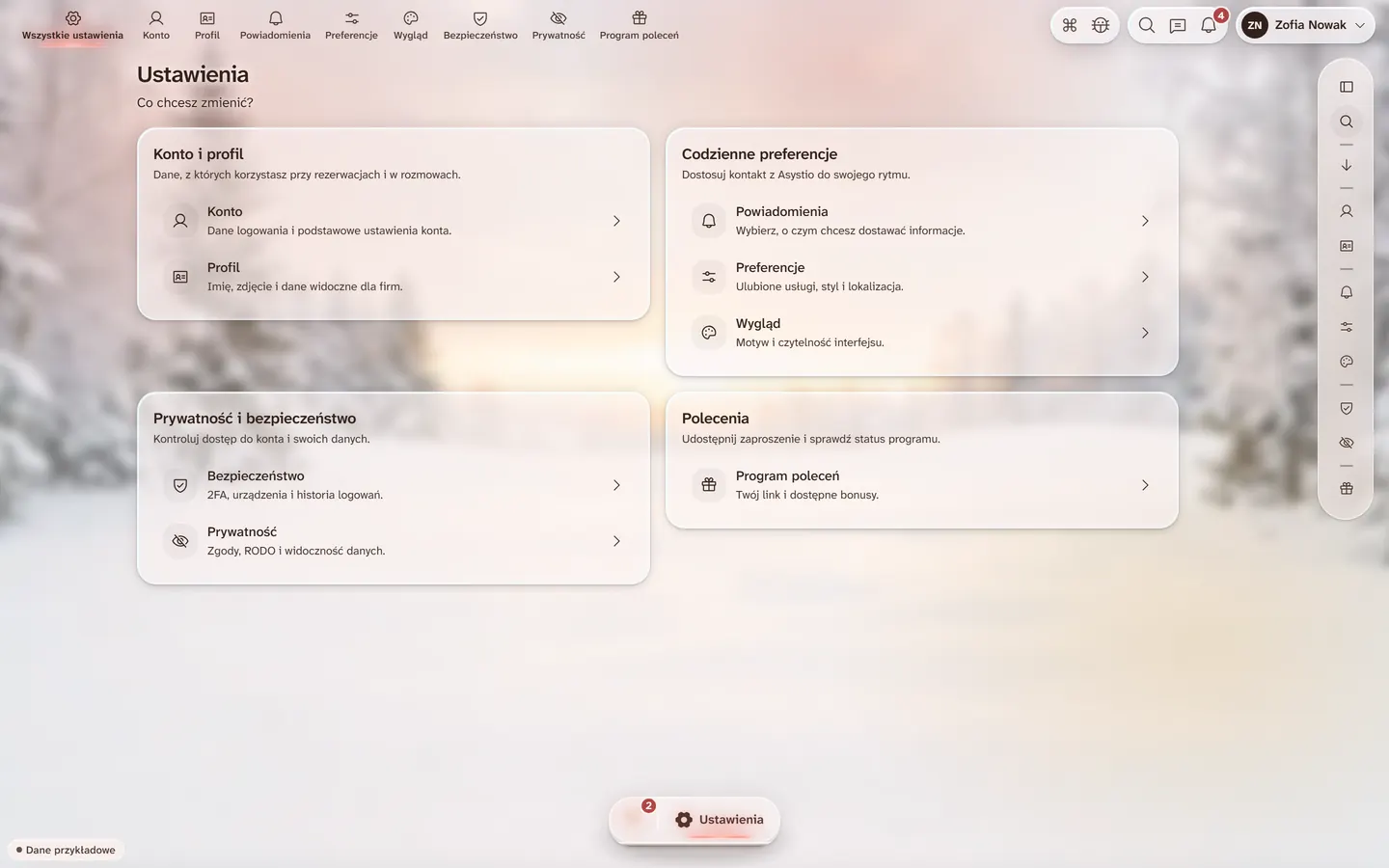
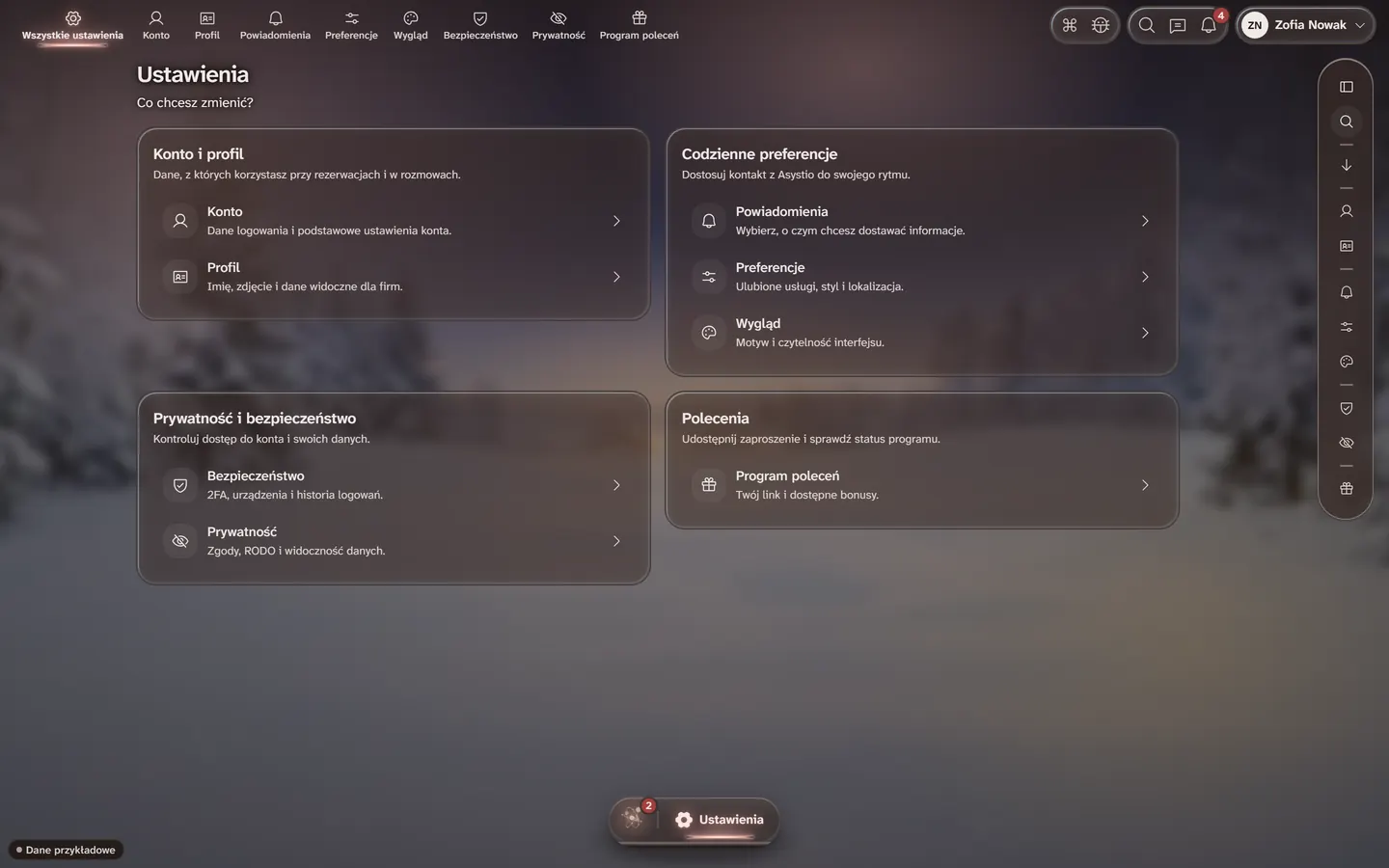
Six areas inside client settings
Profile and reviews
Edit your display name (3 to 50 characters), view your read-only account email and browse reviews from past visits.
Security and 2FA
Trigger a password reset email, review active devices and turn on SMS or TOTP authenticator 2FA.
Privacy and JSON export
Review active consents and consent history, export a JSON copy of your data or request account deletion.
Notification channels
Enable browser push alerts and choose email, push or SMS delivery across five notification categories.
Preferences and appearance
Save your preferred city and service categories for salon discovery and adjust interface appearance.
Referrals tab
Access the dedicated referrals section inside your client settings menu once signed in.
Setting up your account
Sign up on the client flow
Create a dedicated client account separate from business workspaces.
Save city and categories
Store your preferred city and categories to speed up local salon discovery.
Pick alert channels
Control email, browser push and SMS alerts independently by notification type.
Turn on 2FA
Add SMS or TOTP protection and inspect signed-in devices in security settings.
Manage your account in the portal.
Adjust notification channels, review consents or export your JSON copy anytime.