

After Versum, no rush.
Export your data first. Then move your clients and visits from the file, at no extra charge.
No card saved and no automatic renewal.
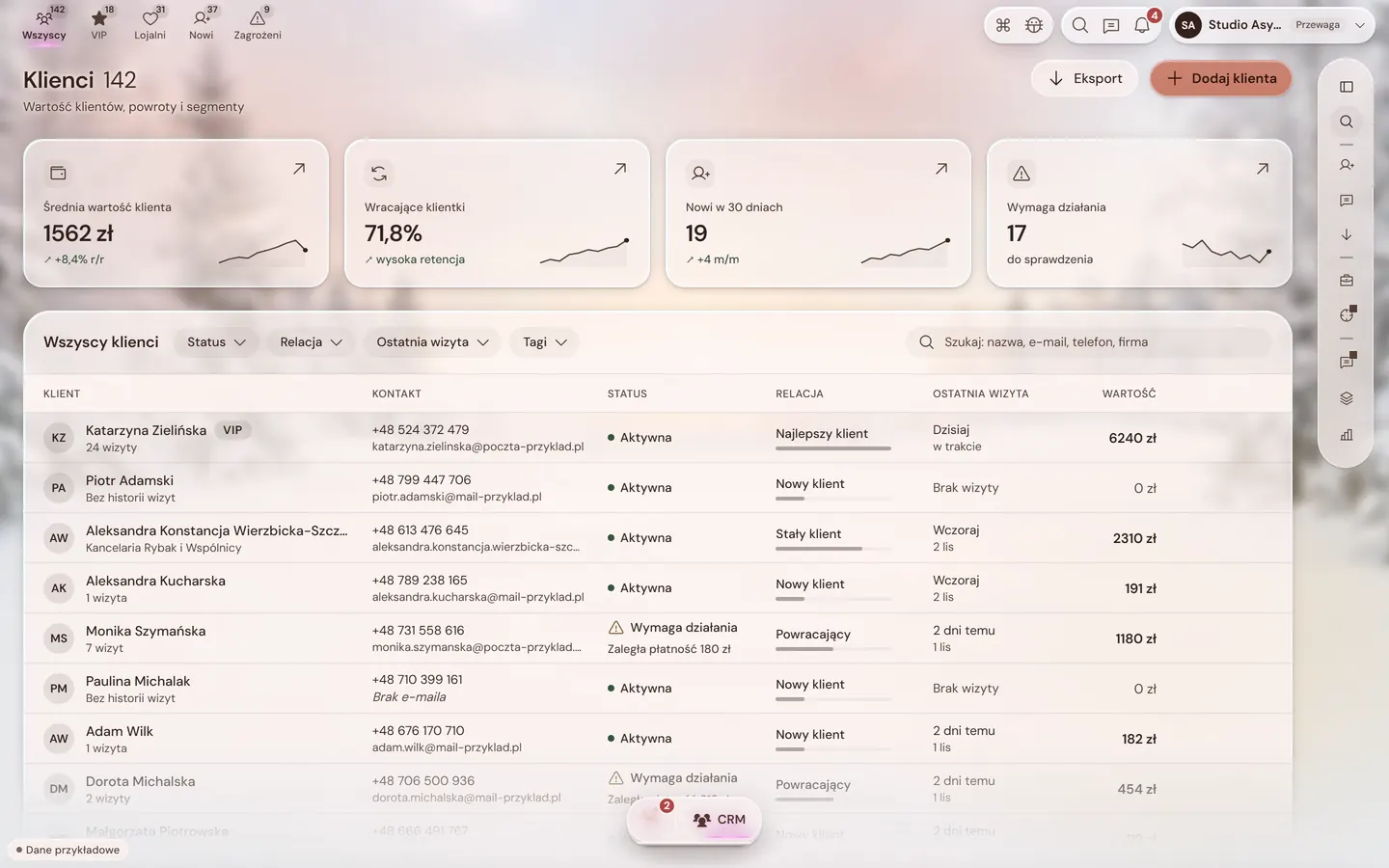
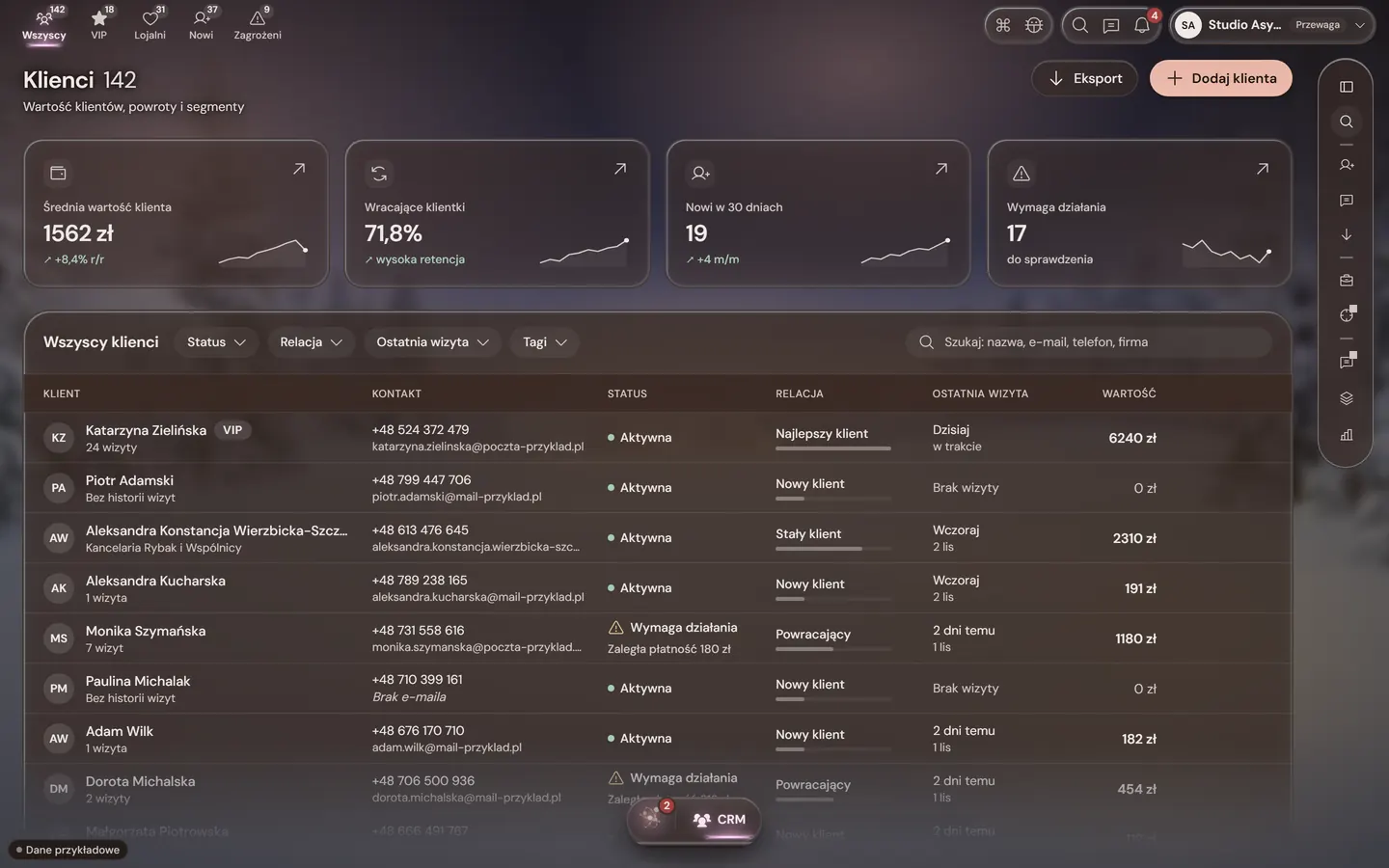
Moving in three steps
Export your data
Save your clients and visits to a file. Keep a copy yourself.
Look at a sample
We check a few rows together before you load everything. We agree the fields and the scope.
Switch when it all matches
During the trial you work in both systems. You switch only when everything matches.
| Topic | What to do on your side | How Asystio helps |
|---|---|---|
| Clients and visits | Save them to a file and check what is inside: names, phone numbers, dates, services, prices. | Clients, contacts and visits come in from the file. We handle exports from Booksy and Calendly, and CSV files. |
| Versum file format | Ask the provider if you cannot see an export option. | We look at the file together on a sample. We do not promise a ready import before we have seen it. |
| Client consents | Marketing and message consents are part of the salon's records. Keep a separate copy, as they may not come across with the file. | We do not move consents automatically. We agree the scope after looking at the file. |
| History and notes | Look at a sample: treatment cards, colour recipes and notes are sometimes outside the main file or squeezed into one column. | We do not move conversation history or documents automatically. We agree the scope after looking at the file. |
| Future visits and vouchers | List the bookings for the coming weeks, plus unused vouchers and passes. These are the easiest things to lose. | Visits from the file go into the calendar. We do not promise vouchers and passes without seeing the file. |
| A copy of the file | Keep the export yourself, wherever you move to. | The copy stays with you, so you do not depend on any one system. |
| Working in two systems | Do not switch off your current system at once. | During the trial you can run both systems side by side. |
The table describes what to check on your side. Confirm your account status and export options with Versum.
What happened to Versum
As stated on versum.pl.
Sales ended
Sales of the system ended on 31 January 2022. You can no longer open a test account.
Current users
According to that site, the system works as before for them. New users are pointed to Booksy Biz. Check the details of your account with Versum.
No rush
You do not have to change system at once, but it is worth having a data export now.
Questions about Versum data
Is Versum still working?
According to versum.pl, sales ended on 31 January 2022, and this does not affect how the system works for current users. Check the details of your account with Versum.
What can I use instead of Versum?
You can also choose another platform, such as Asystio. Compare prices and scope with the current price lists, and export your data before you change.
Can I move my clients from Versum to Asystio?
Yes, from a file, at no extra charge. We handle exports from Booksy and Calendly, and CSV files. We look at the file from your system together on a sample before you load everything.
What will not move automatically?
Conversation history, consents and documents. We agree the full scope after looking at your file, so it is worth keeping consents saved separately.
Do I have to switch off my current system straight away?
No. During the trial you can run both systems side by side and switch when everything matches.
Start with a sample of your data.
PLN 149 a month for the whole business, with no extra charge for more staff and no commission on visits. We will look at your file together.
Try 14 days alongside Versum, no card saved. Refund PLN 9.99 on request.