

Repair status via your link.
When a shop logs your job in Asystio, it sends you a private token URL. You open it in any browser with no sign-in required.
Repair status is visible only through the individual link sent by your repair shop.
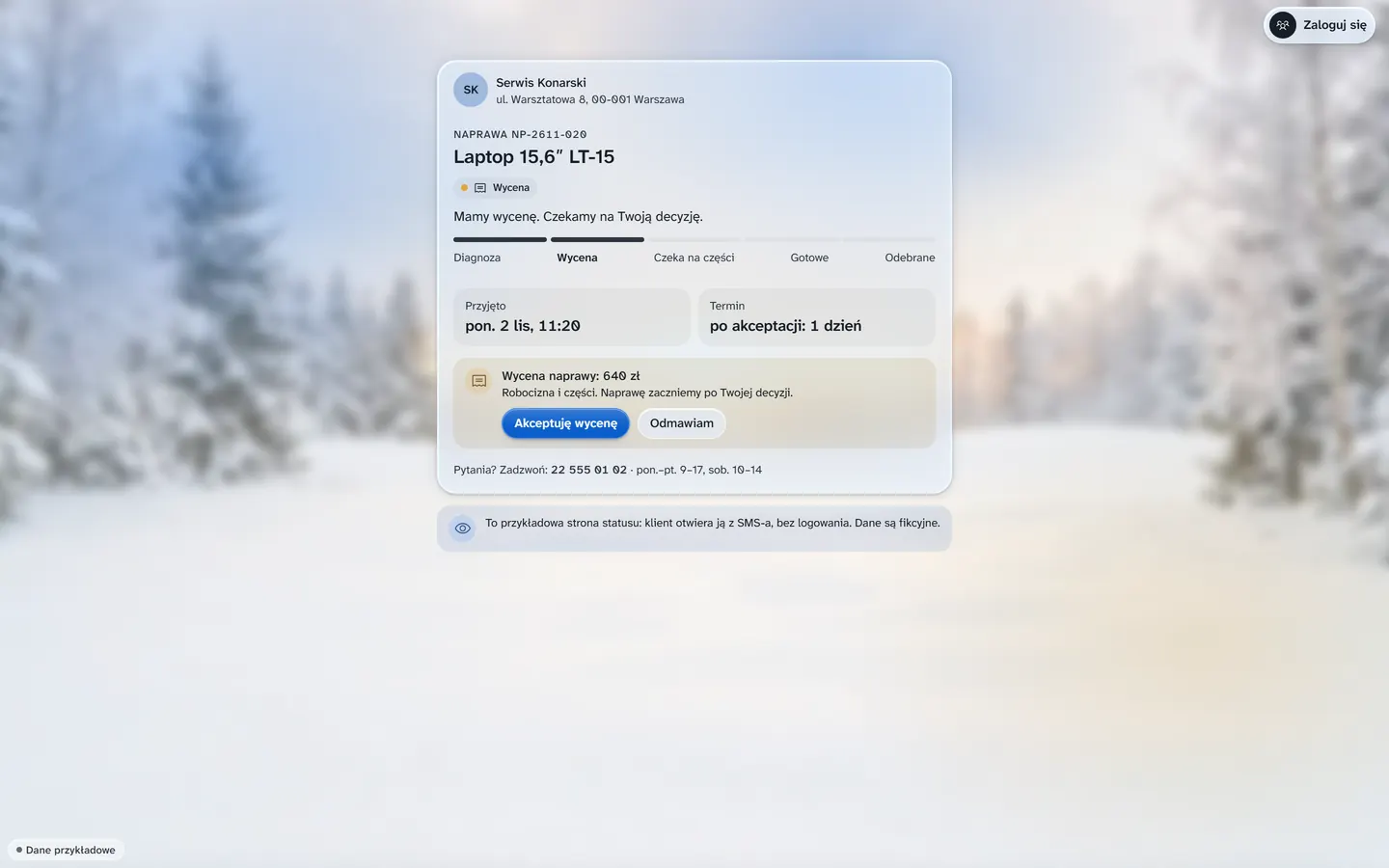
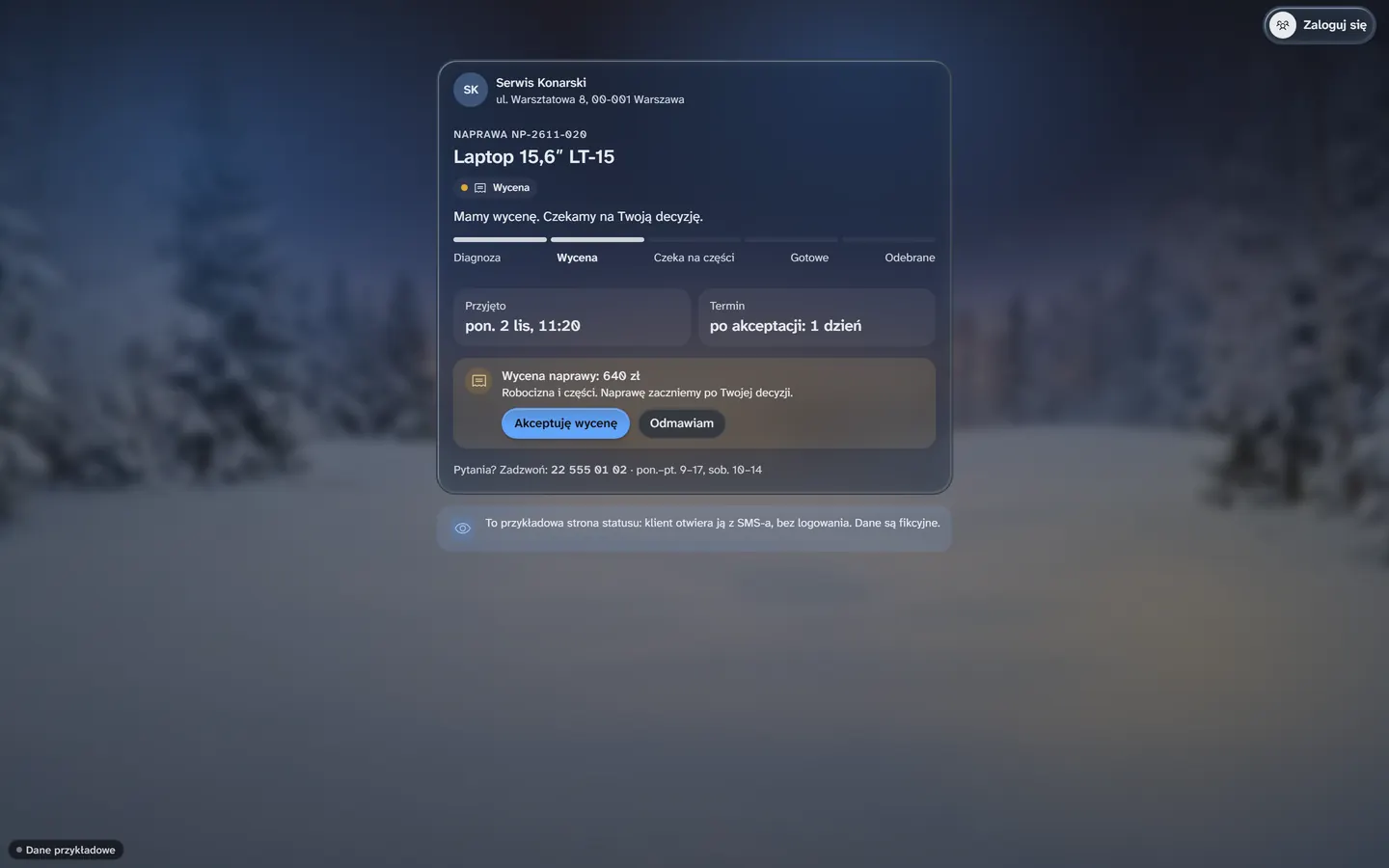
What opens when you tap your link.
The page loads a read-only view behind a unique order token, without requiring a password or client account.
- Reference number, work-order type, business name and location name
- Eight-stage progress tracker showing where your repair currently stands
- Client summary notes, planned start date and last-updated timestamp
How the status link works
Your shop shares a token link
After intake, the service point sends the URL tied directly to your work order.
Check progress without a login
Follow each step across the eight-stage tracker instead of calling for updates.
Protected from public indexing
Strict no-index and referrer headers keep the page accessible only to people holding the token.
Can I look up my repair by order number without the link?
No. To protect client privacy, there is no public search box: only the direct token link from your shop opens the order.
Can I pay or approve a quote on the status page?
No. The status page is read-only for tracking stages, start date, location and client notes. Approval and payment happen directly with the shop.
What if I lost the status link?
Contact the repair shop that checked in your item and ask them to resend your status link.
Looking for other client tools?
Appointments, salon discovery and account settings live together.