

Visits & notes on Google Play.
Move appointments, sync visits with your device calendar, sign pre-visit forms and review aftercare instructions straight from your Android phone.
Available for Android phones via Google Play.
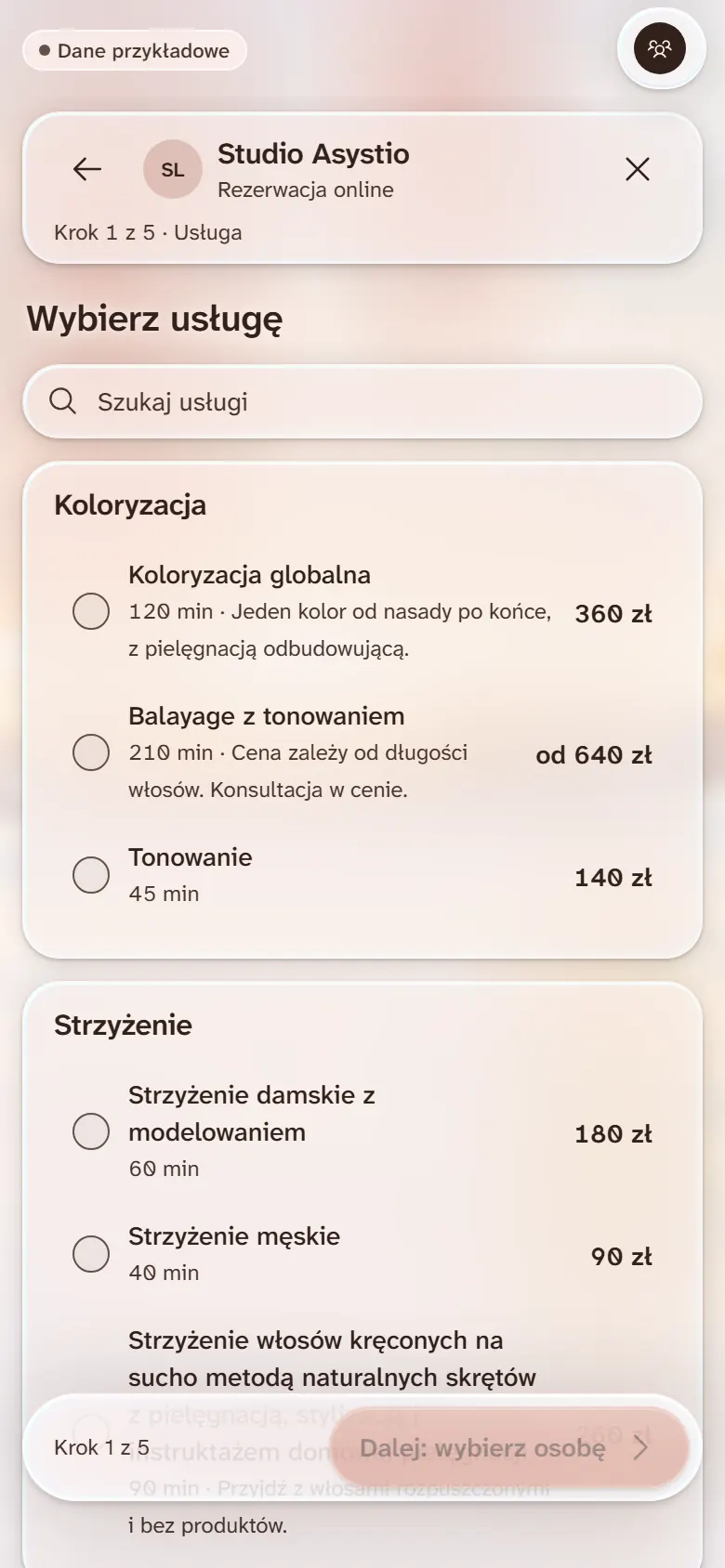
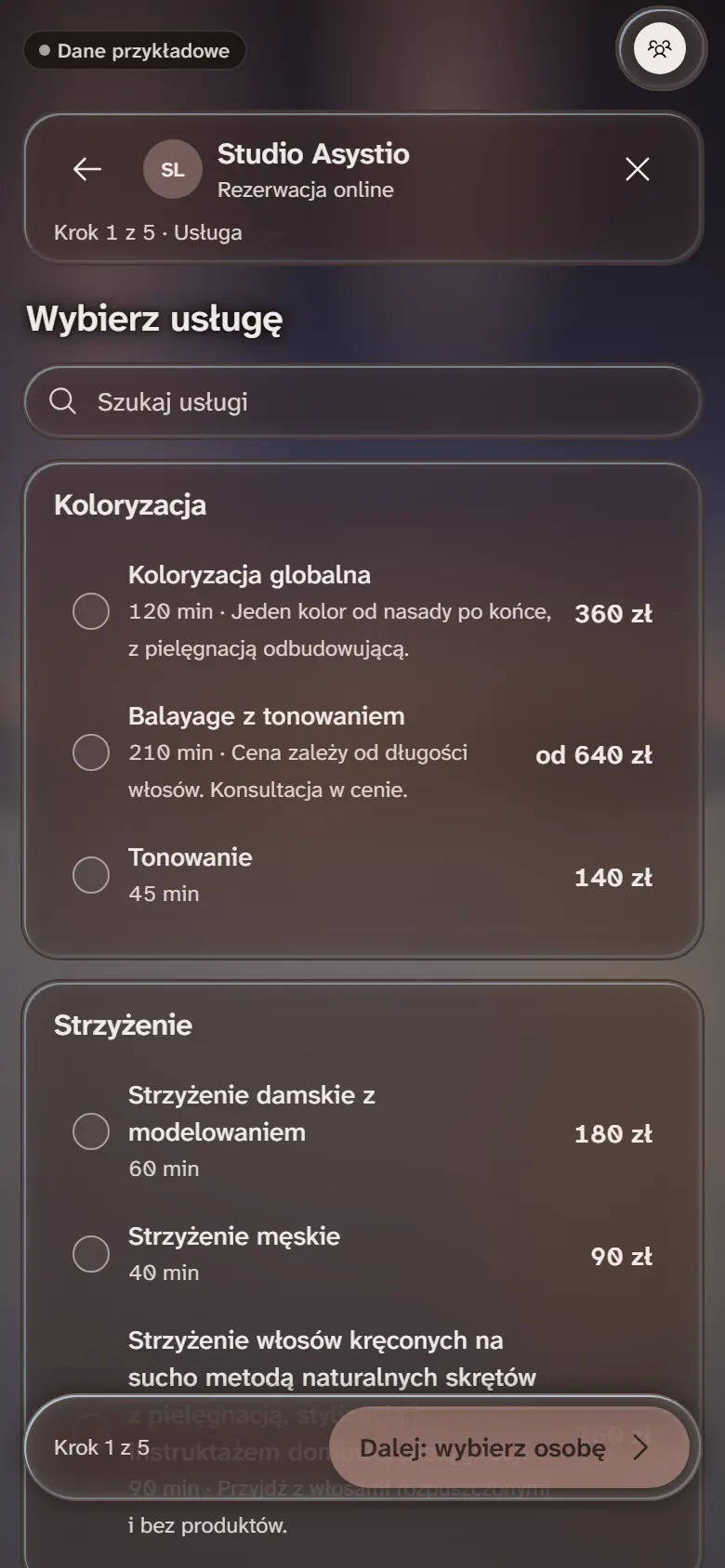
What is included in Asystio for Android.
Sign in once to connect your portal appointments with mobile tools built for your next visit.
Bookings in your pocket
View appointments, move slots or cancel under each salon's booking policy.
Device calendar sync
Sync upcoming visits straight to your Android phone calendar.
Intakes, consents and aftercare
Fill in pre-visit questionnaires, view signed consents and read post-visit notes.
Salons, cases and assistant
Browse verified salons, save favourites, track shared cases and ask the personal AI assistant.
Get started in three steps
Install from Google Play
Download the official Asystio Android app on your phone.
Sign in with your client account
Use the same credentials as the web portal so your appointments load right away.
Sync calendar and keep notes handy
Connect your device calendar and access signed consents plus aftercare instructions.
Do I need a separate account for the Android app?
No. Sign in with the exact same client account you use in the browser portal.
Which records are available in the mobile app?
Your upcoming bookings, pre-visit intake forms, signed consents, aftercare guidance and shared repair cases.
Can I use Asystio without an Android phone?
Yes. Appointments, salon discovery, repair status links, account settings and Mirror all work in any web browser.
Keep visits and aftercare in your pocket.
Download Asystio for Android from Google Play.
Use the web portal in any browser on other devices.