

Team rota no spreadsheets.
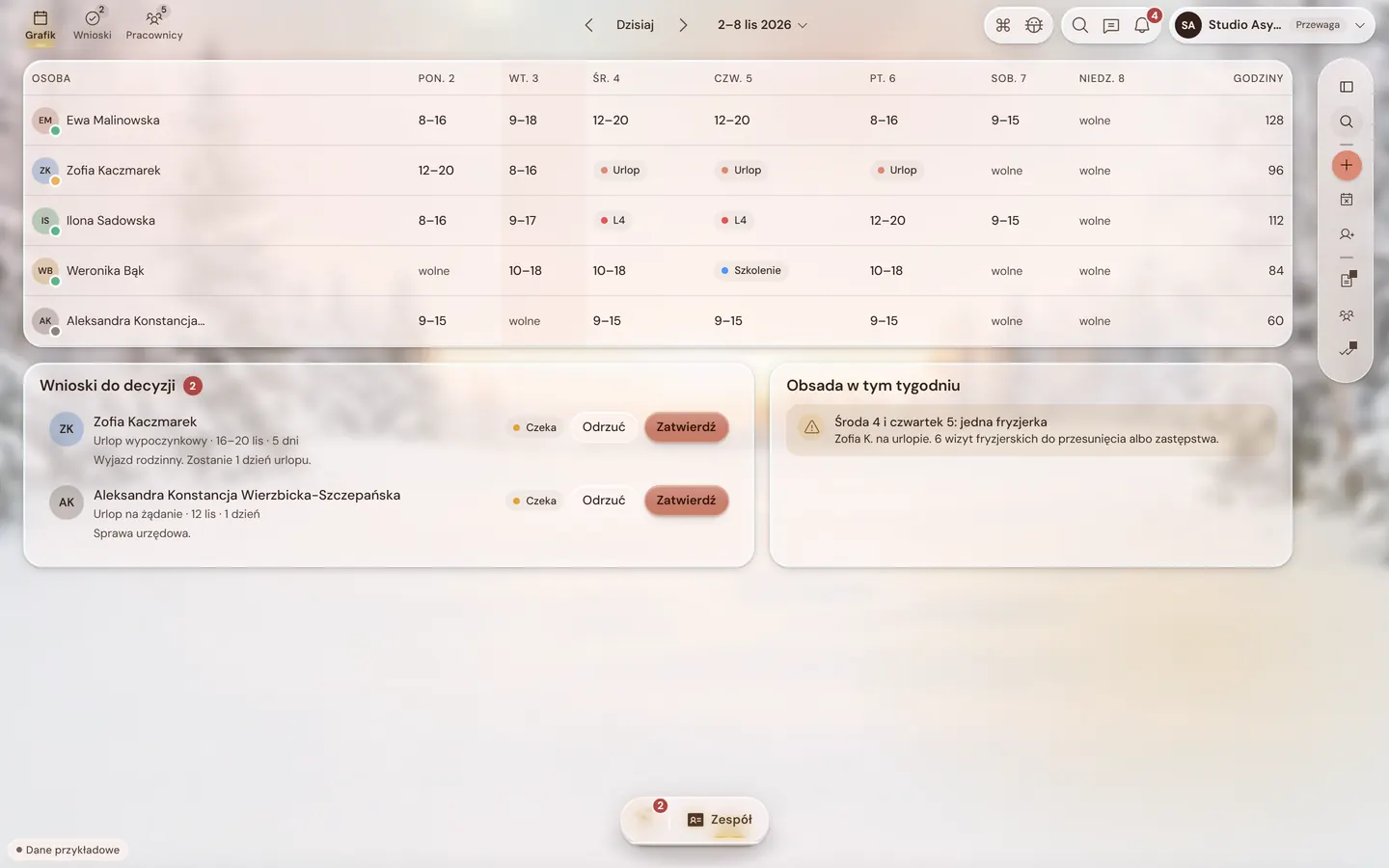
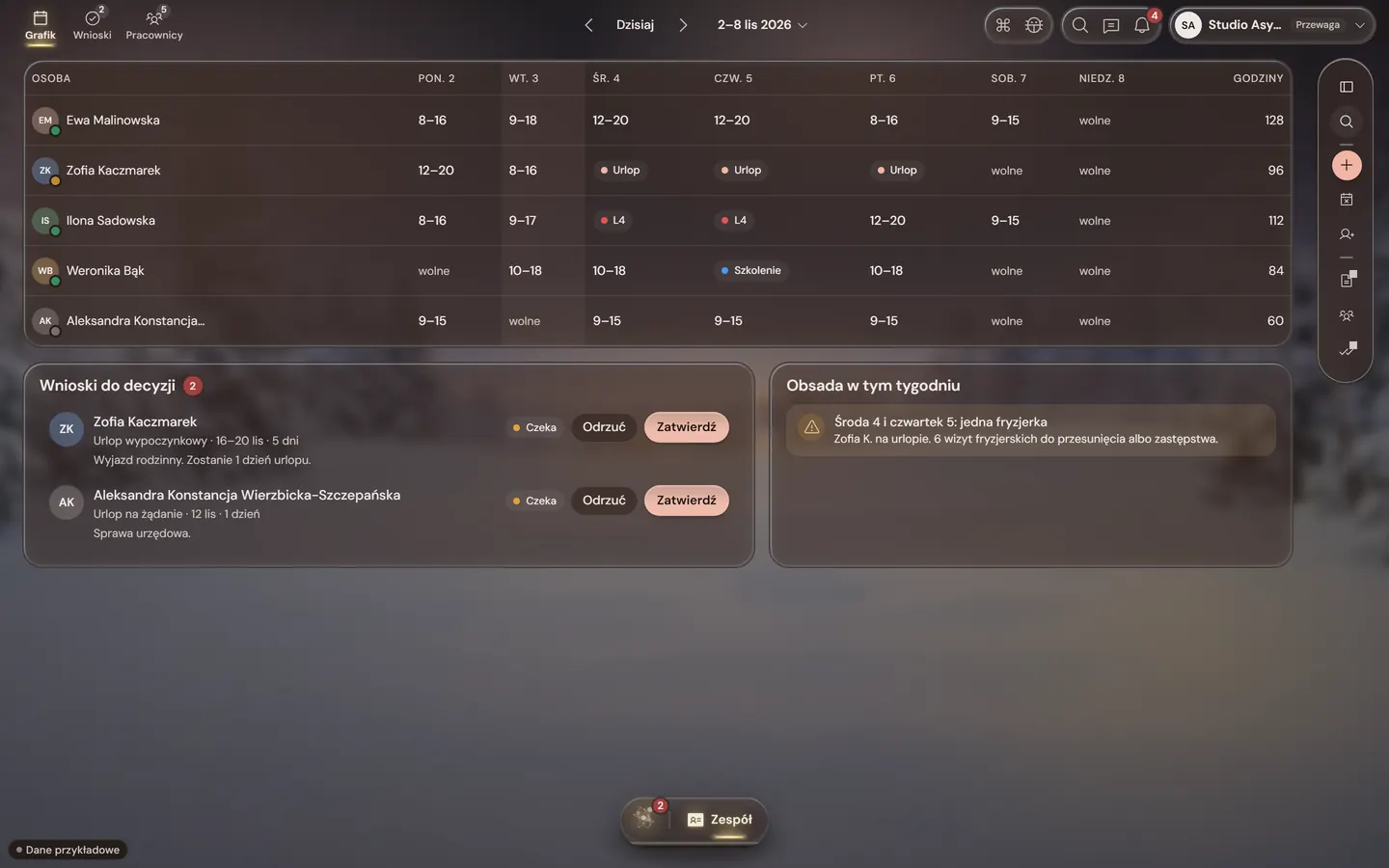
You plan shifts in one view, next to the appointment calendar. Absence requests wait for your decision.
No card saved and no automatic renewal.
Where the rota eats your time
| Problem | Today | In Asystio |
|---|---|---|
| Rota and leave | Several spreadsheets at once. Your team asks, you recalculate by hand. | Availability and shifts in one view. |
| Working hours | Gathered from slips of paper and messages, mistakes show up at payroll. | Start, breaks and end in one register, next to the rota. |
| Planning the rota | Every change means checking by hand who can cover. | Asystio prepares a suggestion and shows clashes. |
From a leave request to an approved rota
Staff submit time off requests
They ask for a day, half a day or hours and name who will cover.
You plan the week or month
Asystio drafts the rota and flags clashes before publishing.
Shifts connect to the calendar
Online booking immediately sees who is working and open slots.
Hours go into one register
Team members clock start and end; every edit saves a reason.
Shifts, attendance and cover visible before Monday.
See in one view who is on shift, who covers an absence and which hours flow to client booking.
- "Who is working today" view and automatic leave balance updates
- Asystio drafts the rota and highlights overlaps before you approve
- You, as employer, keep control over working time rules
What stays in one team register
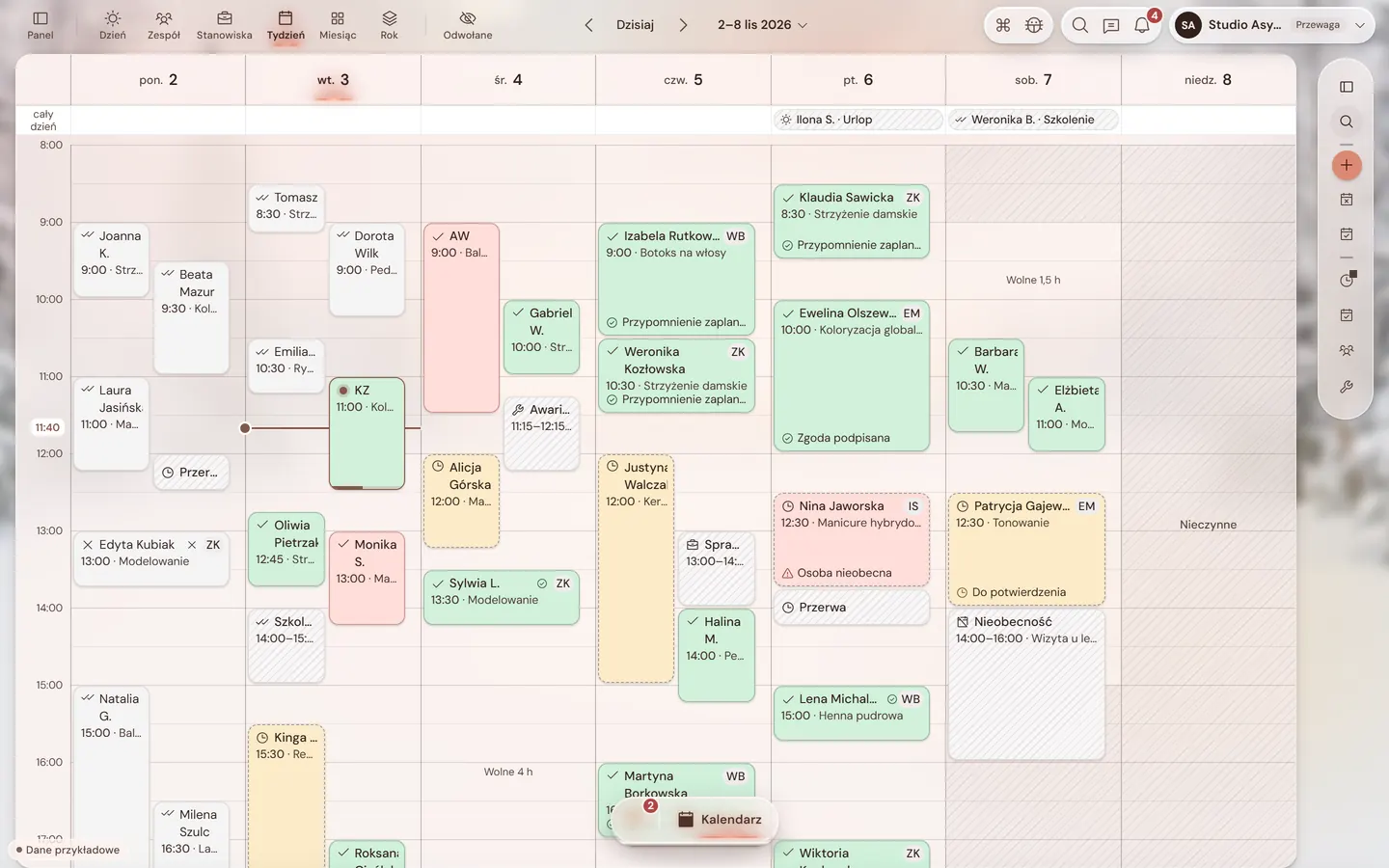
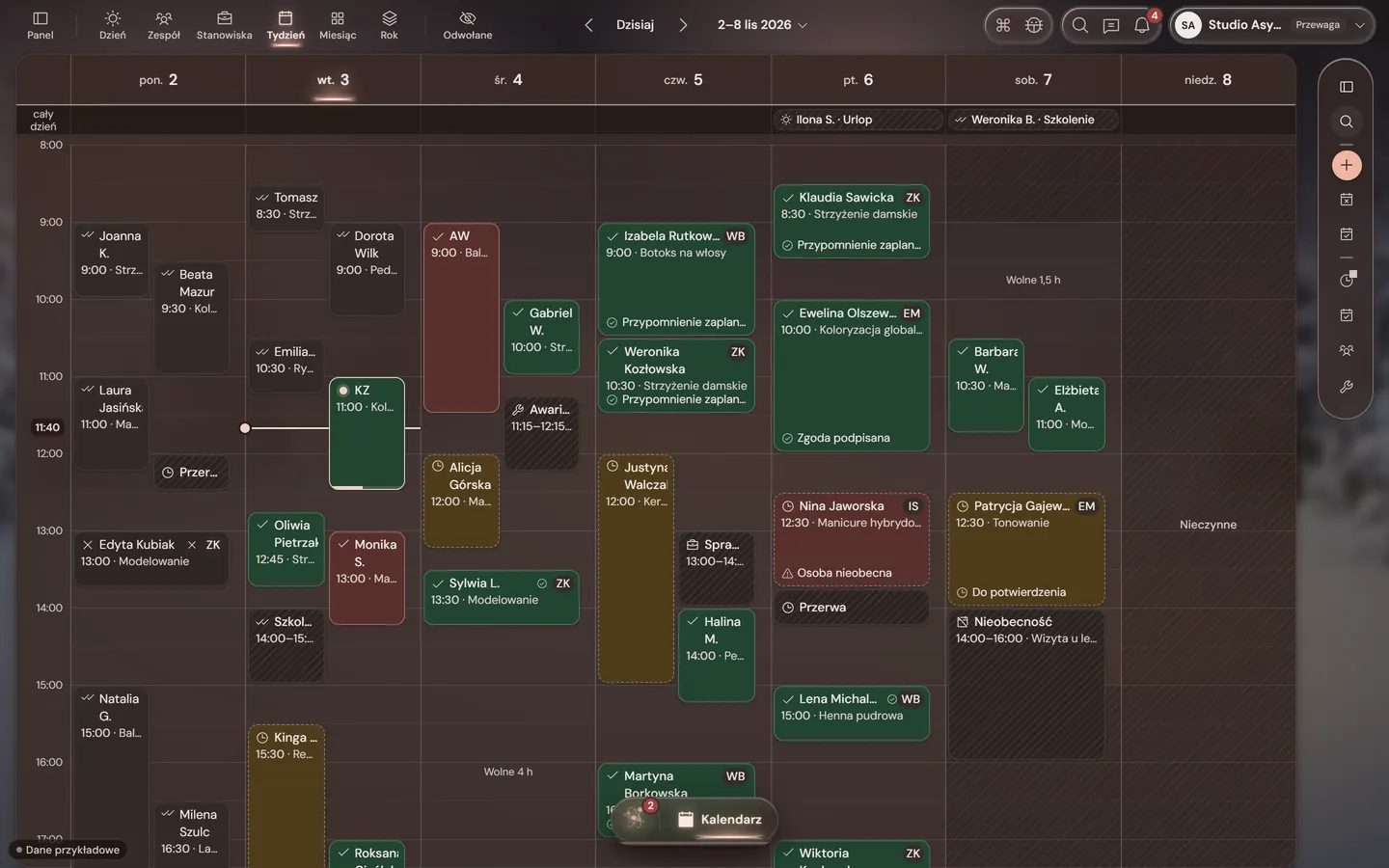
Weekly and monthly rota
Shifts for the whole team sit beside appointments and clashes.
Start and end buttons
Staff log hours directly; edits with a reason up to 7 days back.
Leave and named cover
Each request shows who covers the shift before you approve.
Can I build an online work schedule for my whole team in Asystio?
Yes. You plan shifts in one view, next to the appointment calendar. Asystio prepares a suggestion and shows clashes, and you choose what goes into the rota.
Does the time register replace an employer's duties?
No. Asystio records hours. How to keep working time records in line with the law and contracts is for the employer to decide.
Who can correct a time entry?
An employee can correct their own entry up to 7 days back, a manager at any time. Every correction has a reason.
Will the rota show who covers for an absent person?
Yes. In the request the employee names a replacement, and you see it when you decide.
Does Asystio handle leave and requests online?
Yes. An employee submits a request and names a replacement. You approve it or decline with a reason, and once approved the balance goes down.
Your rota, in one place.
Test it on your real team for 14 days.
Build your first schedule over 14 days with no commitment. Refund of PLN 9.99 on request.