What belongs on a client card
- Client details: full name, contact and preferred way to be contacted.
- Health questionnaire and contraindications: allergies, pregnancy or breastfeeding, skin conditions, medication and earlier treatments.
- Consents: to the treatment, to being contacted and to photos, with date and signature.
- Treatment record: date, treatment, products used, observations and signature.
- Aftercare advice and the date of the next visit.
How to use the card
Take the questionnaire before the first treatment. Fill in the details together with the client. Collect only the health information you need to carry out the treatment safely.
Consent to a treatment is a separate document. The card only notes that consent was given, with the date.
Add each treatment after the visit: date, products, observations and aftercare advice. Sign the entry.
Personal data and GDPR
A completed card holds personal data, including health data. Give the client an information notice and write the data controller on the card. Keep the card where unauthorised people cannot reach it.
You set the retention period and the legal basis in line with the law. This description is general and is not legal advice.
When paper stops being enough
A paper card is fine to start with. As the number of clients grows, it is easier to have everything in one place.
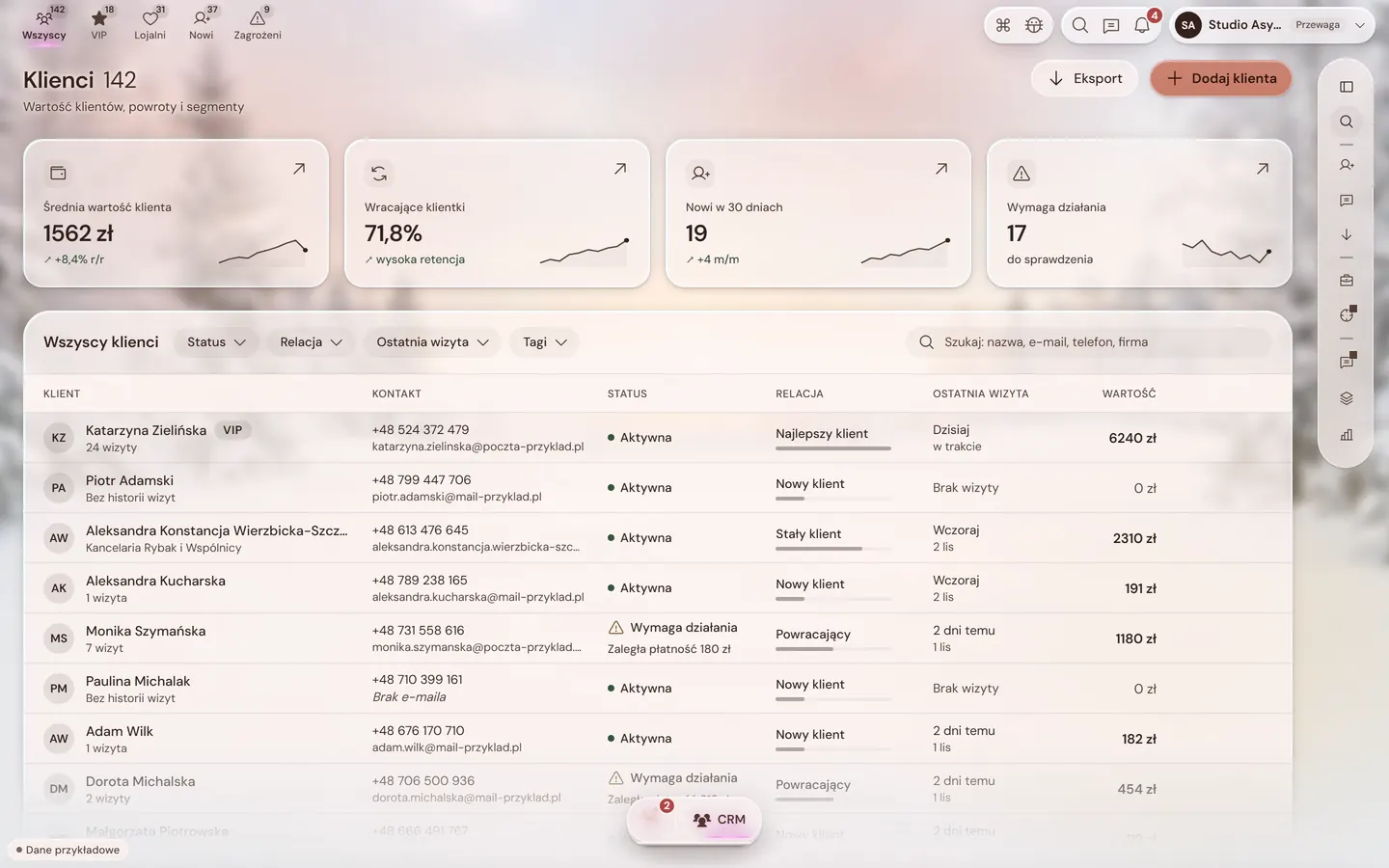
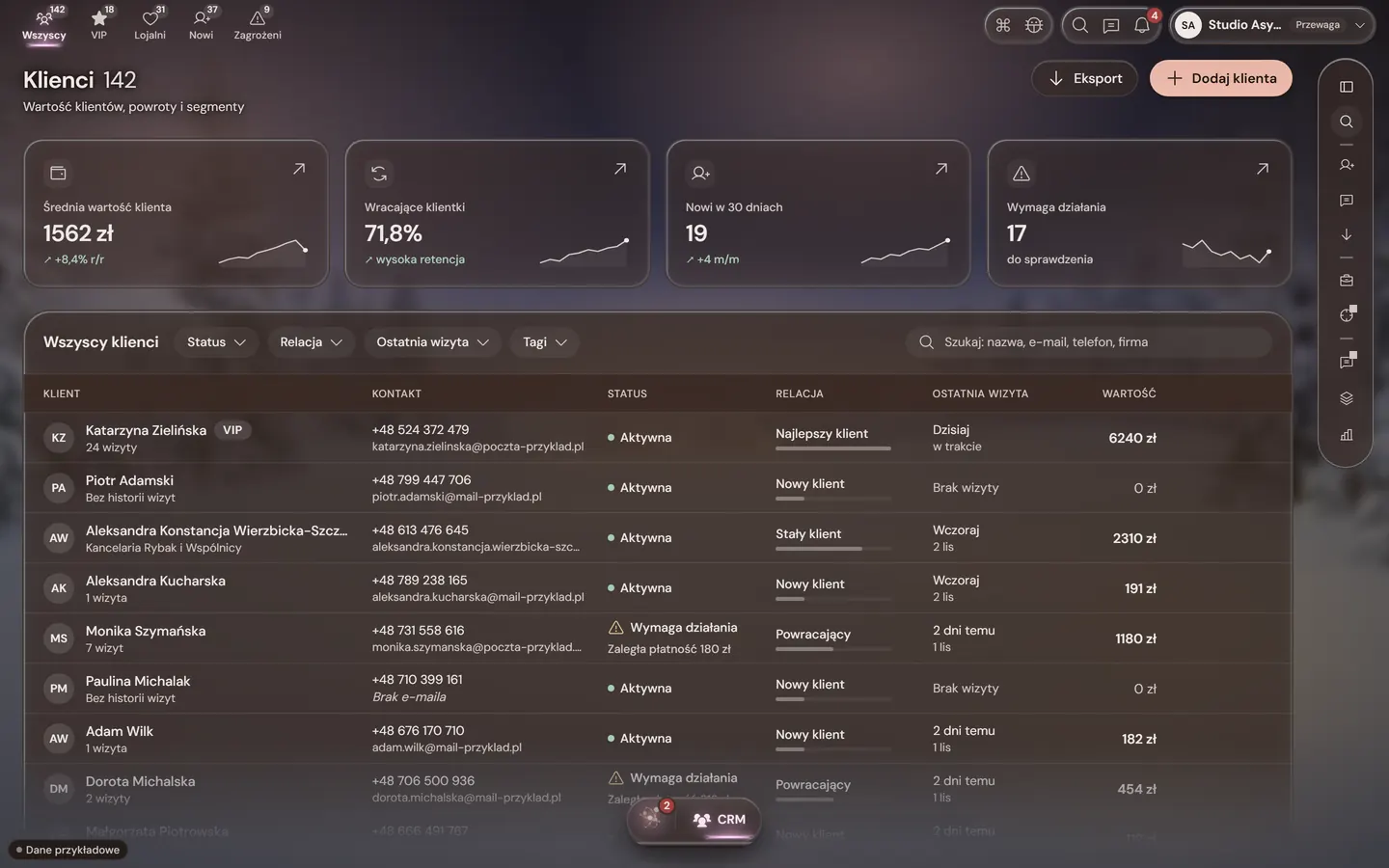
In Asystio, the client card in CRM brings together contact details, visit history, conversations, consents and documents. You prepare the treatment card from a template in the Contracts and documents module: the treatment, products, observations and aftercare advice.
Consent to a treatment is a separate document made from a template. The client can sign it on screen. This is an on-screen signature, not a qualified one. You can share the aftercare advice with her, and she reads it in her own account.
Do not record health data on the card that the treatment does not need. Asystio does not replace legal assessment or the documentation that the law requires.